Works · plate no. 2 · a tool
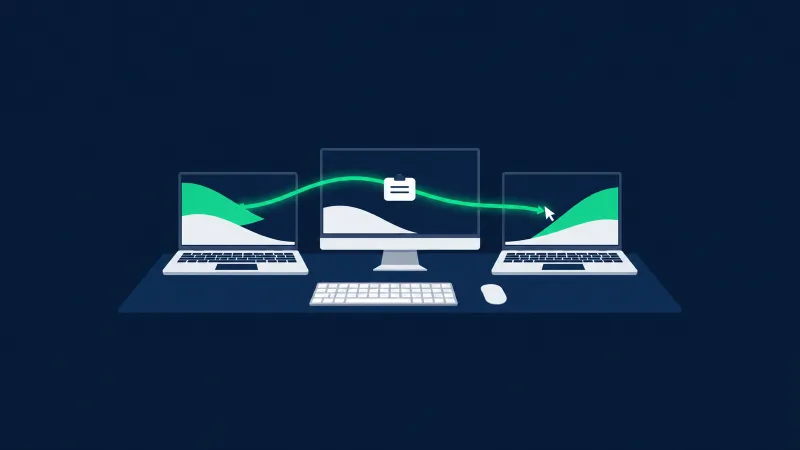
One keyboard, one mouseOne Mac holds them and sends what you do to the others.
Cross at the edgeMove off one screen and the pointer lands on the next computer.
The clipboard rides alongCopy text or an image here, paste it there.
Macs and a Windows PCOne desk, both systems, one cursor.
No cables between themThe link is made for Wi-Fi.
UnivDesk One keyboard, one mouse, every computer on your desk
UnivDesk is a software KVM (a keyboard, video and mouse switch) for a single desk. Move the pointer off the edge of one screen and it appears on the next computer. The keyboard follows it. No switch box, no cables between the machines.
- Status
- In development
- Platforms
- macOS and Windows
- Price
- Free, open source planned
- Release
- When 1.0 is ready
What it does today
-
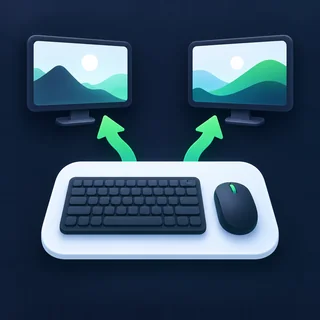
Share one keyboard and mouse
One Mac holds the keyboard and mouse. The other computers receive what it sends: Macs and a Windows PC.
-
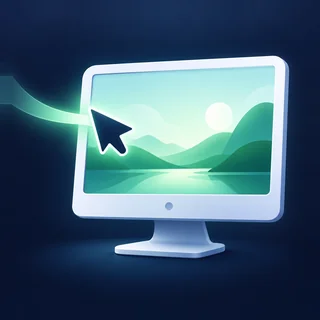
Cross screens at the edge
A layout of your desk decides which screen edge leads where. The pointer moves across as one continuous cursor.
-
Built for Wi-Fi
The link is made for a wireless desk. Lost packets heal themselves, so there is nothing to reconnect.
-

The clipboard follows you
Copy on one computer and paste on the next: text and an image. Between two Macs, the microphone can follow too.
Field-tested on one desk
UnivDesk has run every day on its author's desk since September 2026: a MacBook Pro shares its keyboard and mouse with a Mac mini and a Windows laptop. On the Mac it lives in the menu bar. On Windows it has a tray icon and a service.
It handles the Korean and English input keys on both Mac and Windows clients.
The plan for 1.0
- A signed build for macOS 13 and later and for Windows 10 and 11.
- Pair two computers by comparing a six-digit code. No file to edit.
- Computers find each other on the network with no address to type.
- Files move between computers.
- It updates itself from signed releases.
- Free and open source.
These are goals, not features yet. Write to hello@drakemere.com to hear when it ships.